Analyze · Grades 7-11
Sentiment Analyzer
Drop in text and see how an AI reads emotion, tone, and intent.
The AI idea behind it
Sentiment analysis is the part of language AI that estimates the emotion or opinion in a piece of text. Businesses use it to sort thousands of reviews or messages without reading each one.
The model works from patterns in words and phrasing. That makes it fast, but sarcasm, jokes and context can trip it up, because the same words can mean opposite things.
How it works in the app
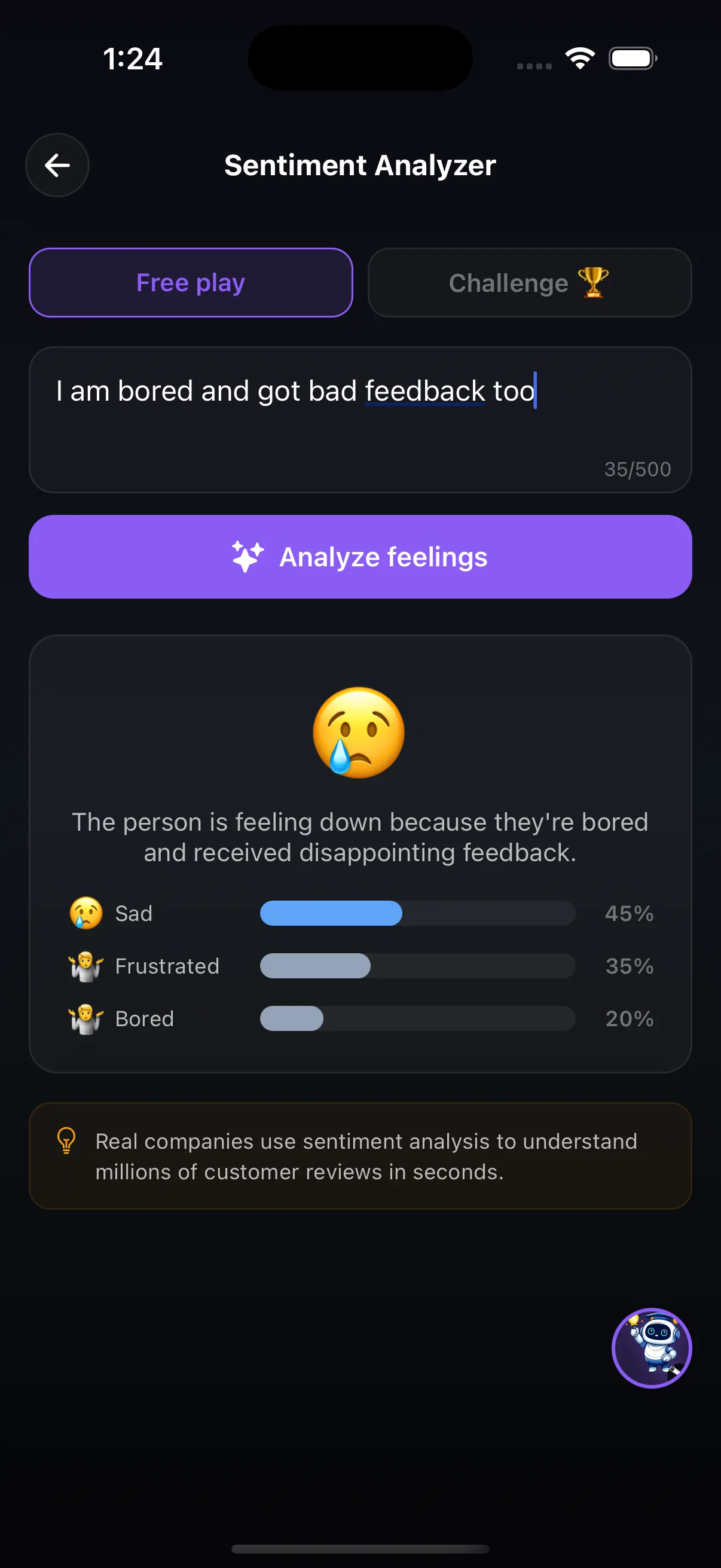
- In Free play, type any sentence (up to 500 characters) and tap Analyze feelings.
- The result shows the main emotion, a one-line explanation and a breakdown of feelings with percentages, such as sad 45%, frustrated 35%, bored 20%.
- Switch to Challenge mode to test yourself.
Try this
The sarcasm test
- Type a plain sentence ("I loved the film") and a sarcastic one ("Oh great, another Monday").
- Compare how the analyzer reads each one.
- Try to write a sentence that a person would read as happy but the analyzer reads as sad.
What it shows: Sentiment models read wording, not intention. Context a person picks up instantly is often invisible to the model.
Where it fits in the curriculum
More Analyze tools


Try Sentiment Analyzer in the app
One of the creation tools in LittleAIMaster for Grades 6-12.