Classify · Grades 6-10
Data Sorter
Label training data and see how labels shape what the model learns.
The AI idea behind it
Most AI models learn from labelled examples: someone has marked each training item with the right answer. The model looks for patterns that connect the items to their labels and uses them on new items it has never seen.
That makes the labels the most important ingredient. If they are wrong or inconsistent, the model learns the wrong lesson, which people sum up as "garbage in, garbage out".
How it works in the app
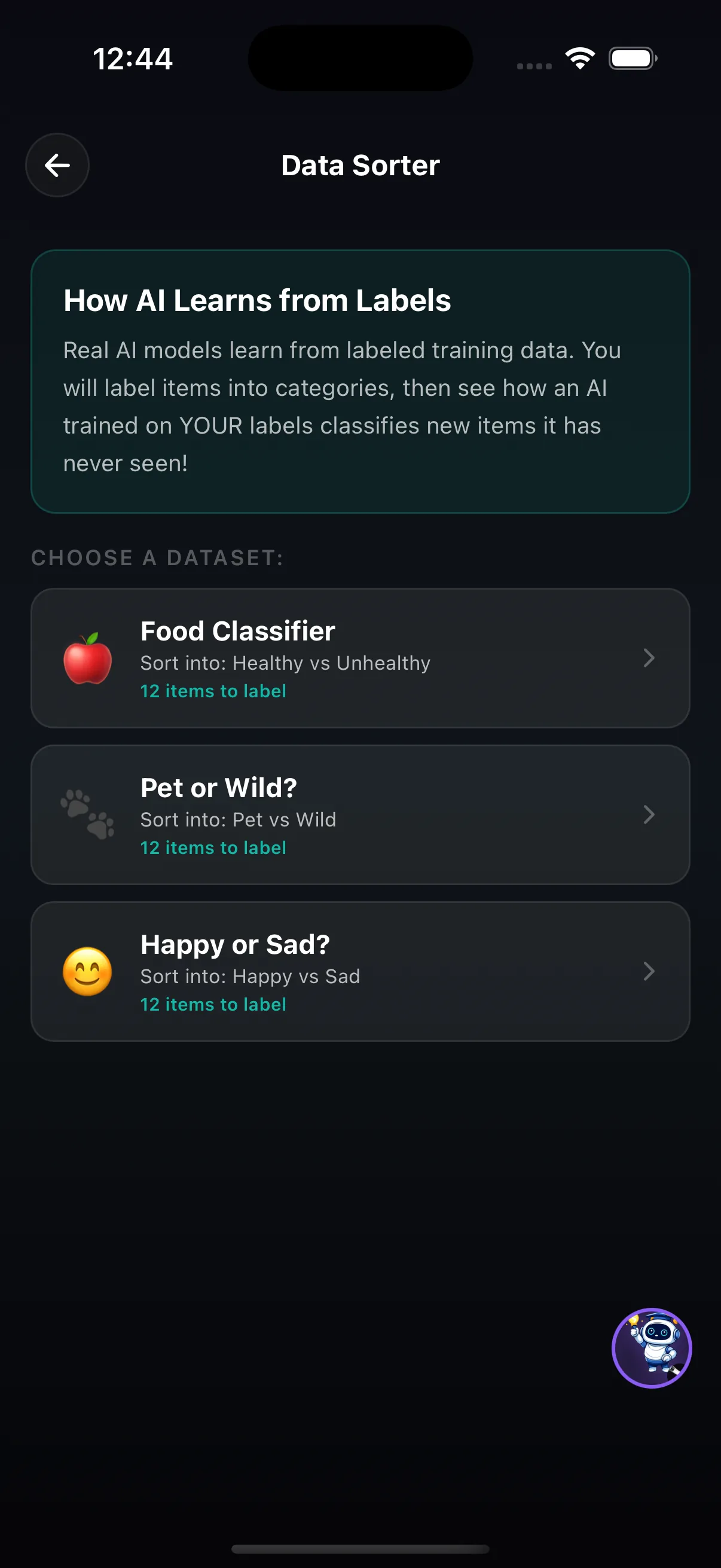
- Choose a dataset: Food Classifier (healthy vs unhealthy), Pet or Wild?, or Happy or Sad? Each has 12 items to label.
- Sort every item into one of the two categories.
- See how an AI trained on your labels classifies new items it has never seen.
Try this
Garbage in, garbage out
- Label Pet or Wild? carefully and note how the model does on new items.
- Run it again, but deliberately mislabel three items.
- Compare the predictions and explain which new items changed and why.
What it shows: The model trusts its labels completely. A few wrong labels can change what it learns, which is why real AI teams spend so much effort on data quality.
Where it fits in the curriculum
More Classify tools


Try Data Sorter in the app
One of the creation tools in LittleAIMaster for Grades 6-12.