Build · Grades 7-10
Decision Tree Builder
Design decision trees from scratch and watch them classify data in real time.
The AI idea behind it
A decision tree classifies something by asking a chain of yes/no questions about its features: does it have feathers, can it fly, is it bigger than a cat? Each question splits the examples into smaller groups until every group ends in one answer.
Decision trees are one of the easiest machine learning models to read, which is why they are used where people need to see the reasoning, such as screening and approval decisions. Random forests, a staple of real-world machine learning, combine many trees and let them vote.
How it works in the app
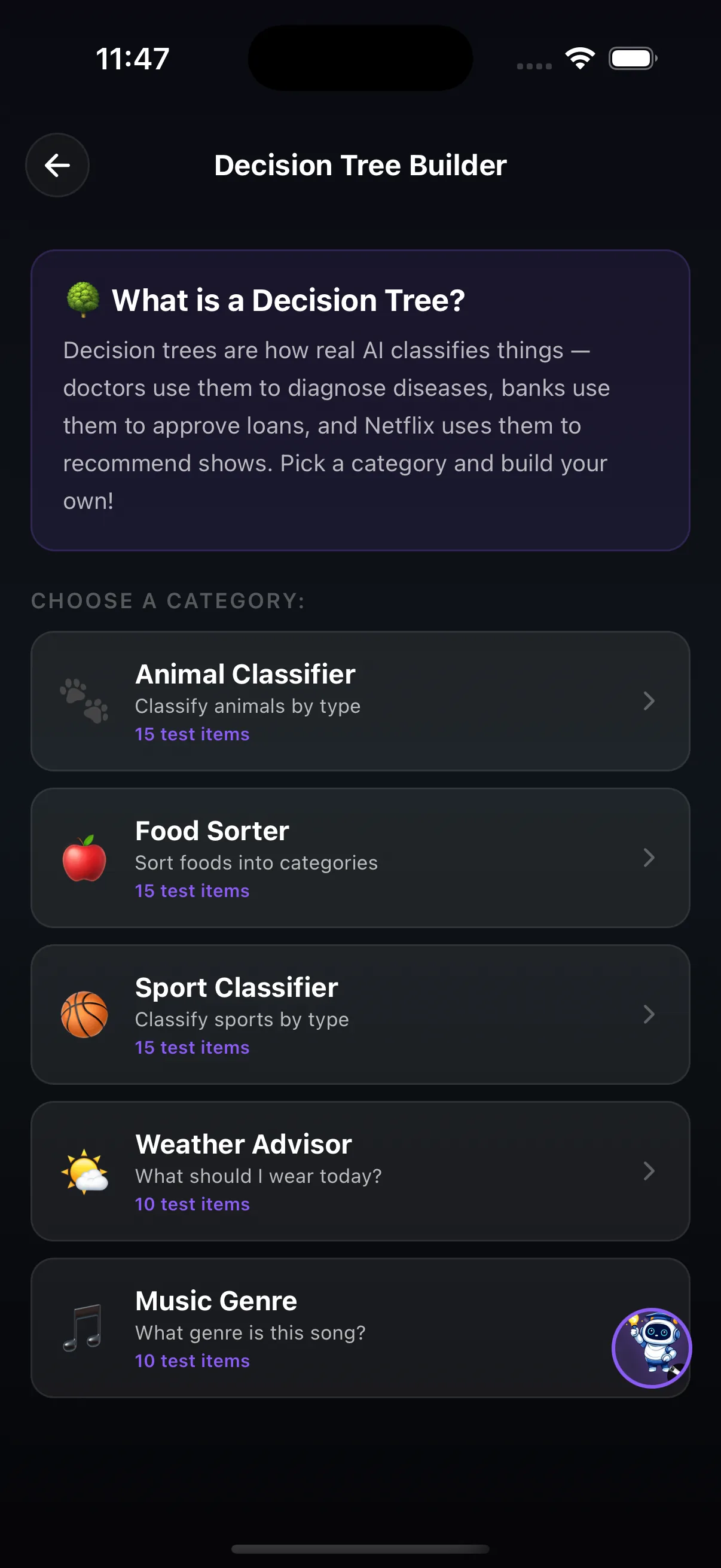
- Choose a category: Animal Classifier, Food Sorter or Sport Classifier (15 test items each), or Weather Advisor and Music Genre (10 each).
- Build the tree by deciding which question to ask at each branch and what each answer leads to.
- Run the test items through your tree and see which ones it classifies correctly and which it gets wrong.
Try this
The three-question animal sorter
- Open Animal Classifier. Before building anything, write down the one question you think splits the animals best.
- Build a tree that is at most three questions deep and run the test items.
- Pick one animal it gets wrong and add a question to fix it. Run the test again and check whether a different animal now fails.
What it shows: Every extra question fixes one case and can break another. Trees that grow a branch for every exception stop working on new examples, which is what overfitting means.
Where it fits in the curriculum
More Build tools


Try Decision Tree Builder in the app
One of the creation tools in LittleAIMaster for Grades 6-12.